



From Hands-Off Firm to Proactive Support
John R. Waters & Company wanted as little to do with IT as possible. The published story covers the move to a provider that approaches problems before they land.
A SOC watches for someone breaking in. A NOC watches for something breaking down. This page is about the second: the routine of watching, updating and verifying that keeps ordinary technology boringly reliable.


On the ITS pricing page, proactive monitoring, patching and offsite backups are included in every managed IT plan, so the NOC is not a separate purchase. It is one part of managed IT services; the Security Operations Center is the security half of the same round-the-clock promise.
Monitoring tells you a backup job finished. It does not tell you the file you need is inside it. Our eBook sets out seven rules that even the most basic backup and disaster recovery plan has to follow, so you can check yours against them before you need it.
Seven ITS clients, in their own words, on responsiveness, remote fixes and what changed after they switched.
We always get a technician or an engineer that can solve the problem remotely and we have very little downtime. We've had a couple of times where we have had an employee that is prevented from working, and when we call in and we escalate quickly, we always have someone readily available to solve the problem.
I highly recommend ITS. The team is very responsive. I feel the process is really easy when it comes to submitting the tickets and the response time is always very quick. If a person is having an issue, they reach out the same day and they're able to resolve those issues very quickly. It's always been very impressive how responsive they are, how helpful they are, and how friendly they are in the process. Everyone that I've interacted with has always been very friendly on top of being very knowledgeable. They have that personal touch that you honestly wouldn't expect from a big IT company.
One thing that has improved for us is more immediate service, which is wonderful. Financially, it helps us because I don't have to hire a whole team of people. You cannot have one person in in any agency.
ITS has been working with McQuarrie Associates for over 25 years. In that time, ITS has managed all of our IT needs. It is so easy to work them. With any kind of IT concern, ITS has been there with us. They provide a holistic service that is hugely valuable to us and we would not be able to function without it.
We'll be celebrating our 30th year and ITS has certainly helped us get to this point. With the knowledge that we've gained through ITS, I am confident that they are going to help us get through 30+ years, and as far as I'm concerned, hopefully, a lifelong relationship.
Working with them is phenomenal - always bringing top-notch technology to the table, always bringing solutions, and making sure that you're aware of happenings in the industry so that your company is always ahead the competition. I would absolutely recommend them. It would be worth your time and you won't regret it.
We were pleasantly surprised that we feel very valued… Everybody from the top down has been very accessible, communicative, and willing to share their knowledge and educate us, which has been huge.
Real ITS clients who stopped watching their own infrastructure. Both stories are published in full.
John R. Waters & Company wanted as little to do with IT as possible. The published story covers the move to a provider that approaches problems before they land.
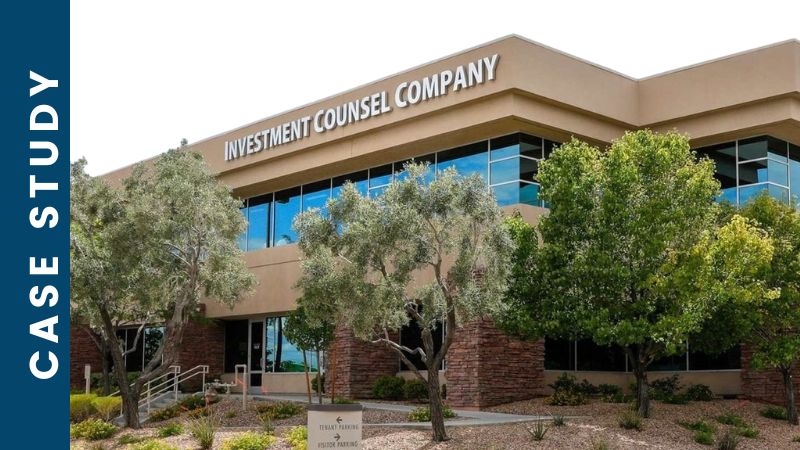
A small company grew its client base after handing the day-to-day watching to ITS. The published story is where the numbers and the detail live.

A free network assessment, findings in writing, and a plain list of what is unmonitored, unpatched or unverified on your network today. No obligation at the end of it.