
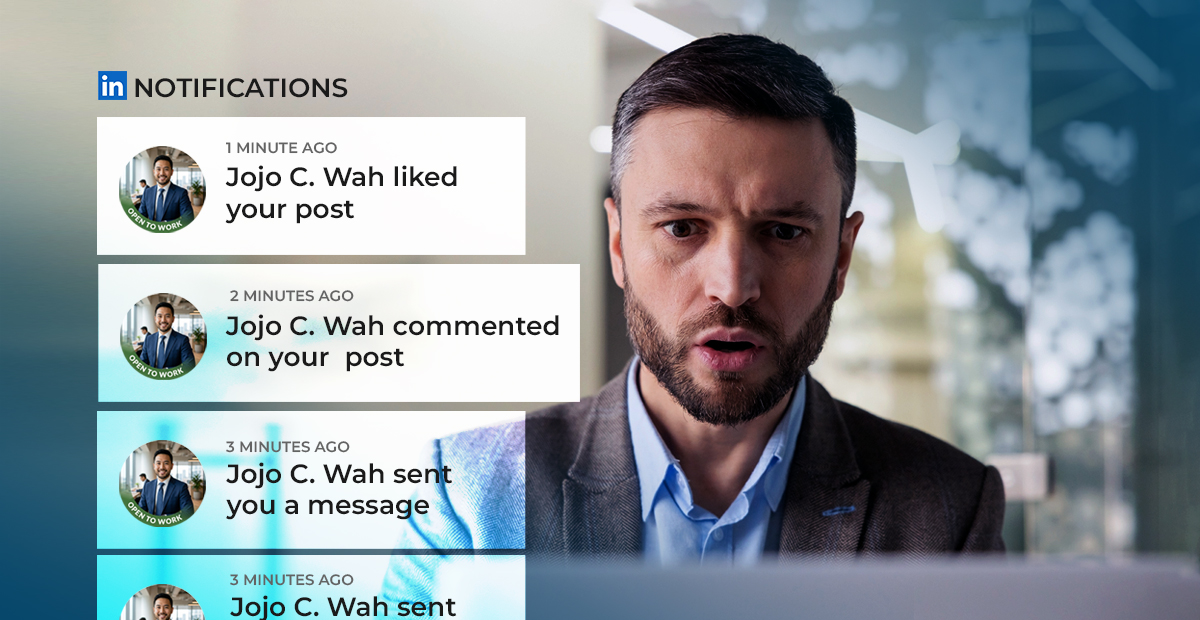
LinkedIn impersonation is now a major security risk. For business leaders, the risk is simple: if someone can convincingly pretend to be part of your company, they can use that trust to reach employees, vendors, clients, and partners.
During a webinar on 2026 cyber trends, Rob Schenk, Chief Strategy Officer at Intelligent Technical Solutions (ITS), shared a real example they experienced firsthand: “We started seeing fake LinkedIn profiles that purported to be employees of our business,” he said.
These fake profiles were not passive either. They were liking posts, trying to connect with internal team members, and using the company’s name to look legitimate. Thankfully, the team caught on quickly and is now actively addressing the issue.
ITS is a managed security service provider that helps small and mid-sized businesses manage and secure their technology. In this article, we’ll explain:
- What LinkedIn impersonation is
- Why attackers use fake LinkedIn profiles
- What your company can do to reduce exposure
What Is LinkedIn Impersonation?
LinkedIn impersonation happens when someone creates a fake profile that pretends to be a real employee, executive, recruiter, vendor, or company representative.
A fake profile may use a stolen photo, an AI-generated headshot, a copied job title, a real company name, or similar language from an actual employee’s profile. Some may also list your company as their employer, interact with your posts, or connect with real employees to appear more credible.
That is what makes this tactic dangerous. The attacker does not need to break into your systems right away. They can start by blending in.
According to Rob, the fake profiles impersonating ITS employees were already trying to build trust: “They started liking posts. They started connecting, attempting to connect with other folks internally.”
That activity may look harmless at first. But every like, comment, and accepted connection helps the profile look more real to the next person it contacts.
Why Do Attackers Use LinkedIn?
Attackers use LinkedIn because it gives them business context.
They can see who works at your company, what roles they hold, who your executives are, what events you promote, what vendors or partners you mention, and sometimes what technologies you use.
“With platforms like LinkedIn and our websites, it’s very easy to gather that information,” said Earl Fischl, Director of Service Strategy at Field Effect.
That information helps attackers make their messages more believable. Instead of sending a generic phishing email, they can create a message that references your real company, real employees, real job titles, or real business activity.
A fake LinkedIn profile can be used to:
- Connect with employees
- Approach vendors
- Message clients or prospects
- Pretend to be part of HR
- Gather internal details
- Build trust before sending a malicious link
- Ask for files, invoices, contacts, or access information
In many cases, the first step is not malware. It is a connection request.
Why LinkedIn Impersonation Works
Most employees have been trained to be cautious with suspicious emails. Fewer have been trained to treat LinkedIn messages with the same level of caution.
That gap matters.
“These are trusted platforms that attackers are looking to engage us in,” Earl explained.
LinkedIn feels professional. A message there can seem less risky than an email from an unknown sender. For sales teams, recruiters, executives, and business development leaders, accepting connection requests is part of daily work.
Attackers know this. They use normal business behavior as cover.
They may not ask for sensitive information immediately. Instead, they may connect, interact with posts, wait, and then send a request that feels natural later.
That request could be simple:
- “Can you send me the updated vendor contact list?”
- “Who handles finance approvals?”
- “Can you introduce me to your IT lead?”
- “Can you review this document before our meeting?”
- “Can you confirm which email address your procurement team uses?”
Each request may seem small. Together, they can help an attacker map your company and prepare a more targeted attack.
How Can Businesses Reduce LinkedIn Impersonation Risk?
You cannot stop every fake profile from appearing, but you can make it harder for attackers to use them successfully.
.png?width=100&height=100&name=Untitled%20design%20(10).png) Give Employees a Simple Reporting Process
Give Employees a Simple Reporting Process
Employees should know where to report suspicious LinkedIn profiles, messages, or connection requests. Use a security inbox, IT ticketing system, or internal reporting tool.
Keep it simple. If reporting takes too much effort, people may ignore the warning sign.
.png?width=100&height=100&name=Untitled%20design%20(11).png) Review Your Company’s LinkedIn Employee List
Review Your Company’s LinkedIn Employee List
Someone should periodically review who appears as an employee on your company’s LinkedIn page. This is especially important for larger companies, growing companies, and businesses with public-facing sales, HR, or executive teams.
Rob said that after seeing the fake profiles, “We’ve actually adjusted internally some HR processes… to go ahead and look for these profiles.”
That is the right approach. Assign ownership before the issue grows.
.png?width=100&height=100&name=Untitled%20design%20(12).png) Train Employees Beyond Email Phishing
Train Employees Beyond Email Phishing
Security awareness training should cover LinkedIn, Teams, Zoom, text messages, QR codes, phone calls, and other communication channels.
Attackers are not limited to email. Your training should not be either.
.png?width=100&height=100&name=For%20Email%20Templates%20(5).png) Verify Sensitive Requests Through a Trusted Channel
Verify Sensitive Requests Through a Trusted Channel
Employees should not act on sensitive requests through LinkedIn alone. If someone asks for documents, payment details, contact lists, access information, or internal process details, verify the request through the company email, phone, or a manager.
This is especially important for finance, HR, IT, sales, and vendor management teams.
.png?width=100&height=100&name=For%20Email%20Templates%20(4).png) Monitor Executives and Key Roles
Monitor Executives and Key Roles
Fake profiles often copy executives, HR leaders, finance leaders, sales leaders, and IT staff because those roles carry authority.
Your company should pay close attention to impersonation attempts involving people who can influence payments, access, hiring, vendor relationships, or client communication.
Questions Executives Should Ask
Business leaders do not need to manage every fake profile personally. But they should make sure the risk has an owner.
Start with these questions:
- Who reviews fake employee profiles on LinkedIn?
- Do employees know how to report suspicious LinkedIn activity?
- Are HR and recruiting teams trained on fake profiles and fake job posts?
- Do vendors verify sensitive requests outside LinkedIn?
- Does our security awareness training cover social platforms and messaging apps?
- Do we monitor impersonation attempts involving executives and key roles?
These questions help move LinkedIn impersonation from a social media issue to a business risk conversation.
Ready to Reduce Identity-Based Security Risks?
LinkedIn impersonation works because it exploits trust. A fake profile can borrow your company name, connect with your employees, interact with your posts, and use that credibility to target people inside or around your business. That is why it belongs in your cybersecurity strategy.
ITS helps businesses strengthen security awareness, improve identity protection, and reduce risk across business-critical platforms. If you are unsure where your company may be exposed, schedule a cybersecurity consultation with one of our experts.
Related Articles:
- What Is Deepfake Interview Fraud and How Do You Stop It?
- Social Phishing! How Attackers use your Social Media Against You!

Frequently Asked Questions
Q: What is LinkedIn impersonation?
A: LinkedIn impersonation happens when someone creates a fake profile pretending to be a real employee, executive, recruiter, vendor, or company representative. Attackers may use your company name, copied job titles, fake headshots, and mutual connections to look credible.
Q: Why is LinkedIn impersonation a cybersecurity risk?
A: Fake LinkedIn profiles can help attackers build trust before asking for sensitive information, targeting vendors, misleading clients, or preparing a more convincing phishing attack. The risk is higher because employees may treat LinkedIn messages as normal business communication instead of a possible security threat.
Q: How can businesses spot fake LinkedIn employee profiles?
A: Warning signs include very few connections, vague job descriptions, limited activity, unusual messaging behavior, copied company branding, or a profile claiming to work at your company when no one recognizes the person. Companies should also review their LinkedIn employee list regularly.
Q: What should employees do if they see a suspicious LinkedIn profile?
A: Employees should report the profile to the company’s IT, security, or HR team before engaging. They should avoid clicking links, downloading files, sharing internal details, or confirming sensitive information through LinkedIn without verifying the person through a trusted channel.
Q: How can companies reduce LinkedIn impersonation risk?
A: Companies can reduce risk by creating a simple reporting process, training employees on social engineering beyond email, reviewing LinkedIn employee listings, monitoring executives and key roles, and requiring sensitive requests to be verified through company-approved channels.
Topics:
